Every public Snapchat profile has a web page at snapchat.com/@username. That page contains the profile’s story, highlights and Spotlight videos, as data for Snapchat’s own website. View Snapchat Stories reads that same page and shows it in a faster, simpler layout.
The four steps
1
Copy the username
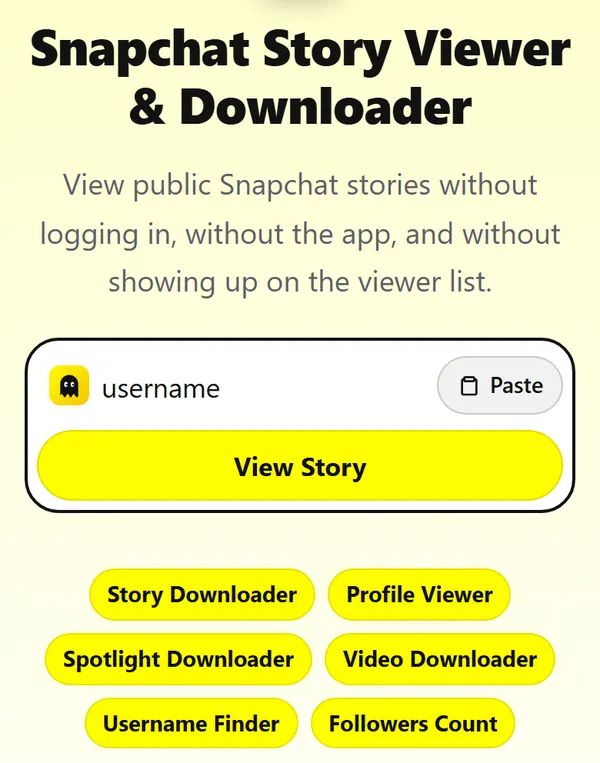
Open their Snapchat profile and copy the username, the grey text under their name. Or tap Share on the profile and copy the link. Paste it into the box at the top of this page and press View Story. Profile links (snapchat.com/add/…) and Spotlight links work too.
2
Their public profile opens
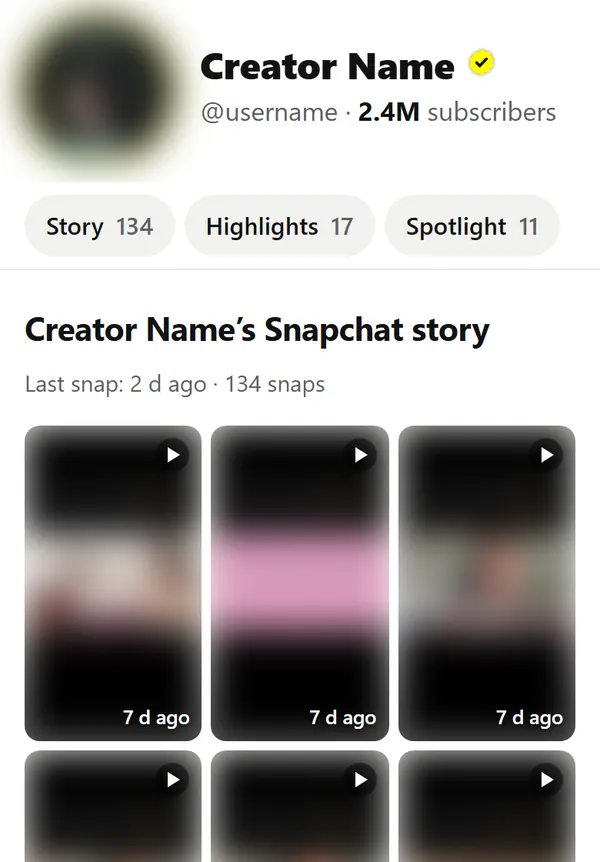
You see everything they made public, on one page: photo, subscriber count, the live story as a grid, saved highlights and Spotlight videos. The number on each tab is how many snaps it holds. Nothing to sign into, and it usually takes 1–3 seconds.
3
Tap a snap to watch
Snaps play full screen, one after another, the way they do in the app. Tap the right side to skip, the left side to go back, hold your finger down to pause, swipe down to close. The bars at the top show where you are in the story.
4
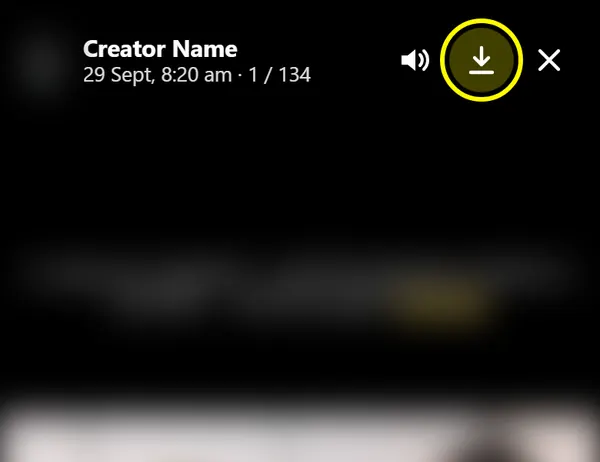
Press Save to download
The arrow at the top right saves the snap you are watching: videos as MP4, photos as JPG, named after the account. On iPhone, if Safari opens the video instead, tap Share and then Save Video.
What happens behind the scenes
The same four steps, from our side.
1. You enter a username or link
The box accepts a username, @username, a profile link (snapchat.com/add/…), a story link, a Spotlight link or a t.snapchat.com share link. We strip everything except the username or video ID.
2. Our server fetches the public page
The request goes from our server to Snapchat, not from your phone. It carries no cookies and no Snapchat account, which is why nothing shows up on the owner’s viewer list. Snapchat usually answers in 1.5–3 seconds.
3. We keep it for 5 minutes
The profile is kept in our cache for 5 minutes. Anyone who opens it in that time gets it instantly. After 5 minutes the next visit still opens instantly while we fetch a fresh copy in the background, so a new snap shows up within a few minutes of being posted.
4. Snaps play from Snapchat’s servers
Photos and videos load directly from Snapchat’s content servers (sc-cdn.net). We never store or re-encode them. The Save button downloads the original file and names it after the account.
What can’t be shown
Content
Why
Friends-only stories
Only sent to friends inside the app; never on the web